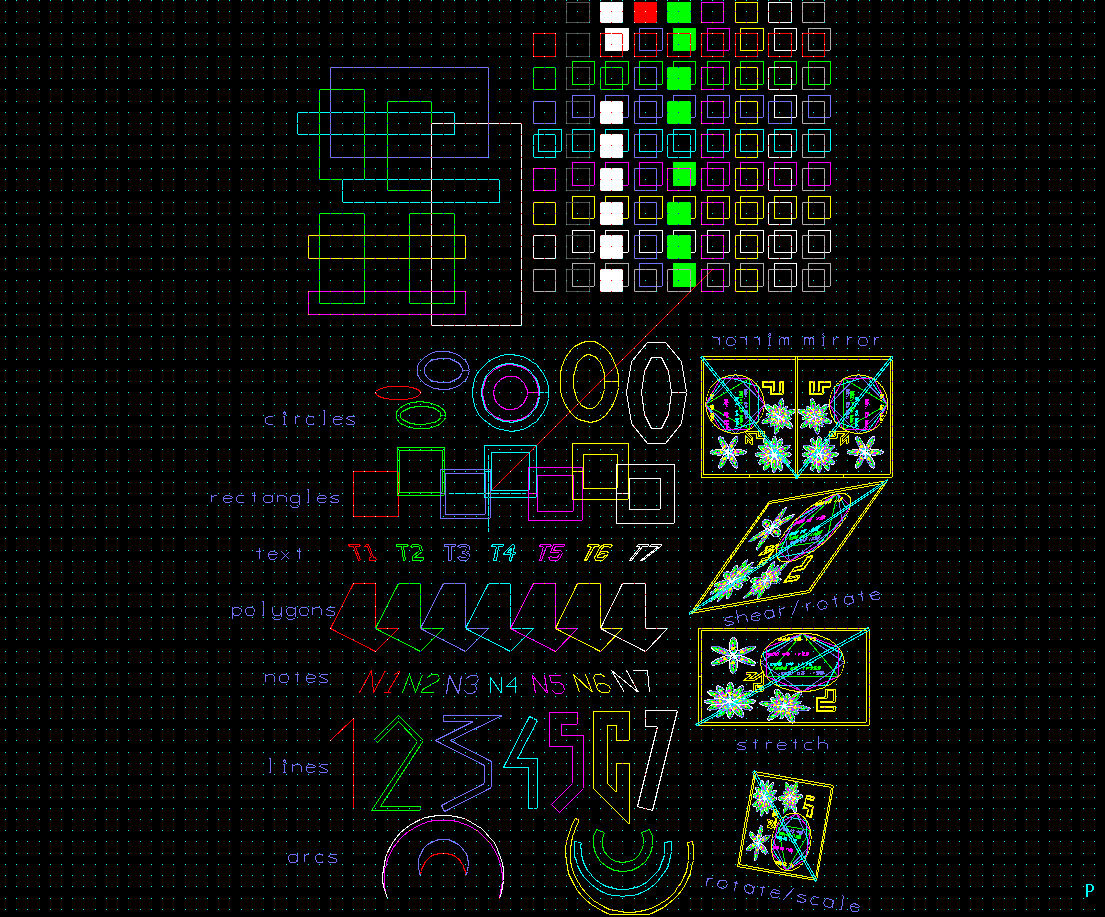
A collection of most of Piglet's primitives exported as a png file. As of release 0.8, Piglet handles filled polygons. This example also shows several subcells added with mirroring, shearing, rotation and scaling.
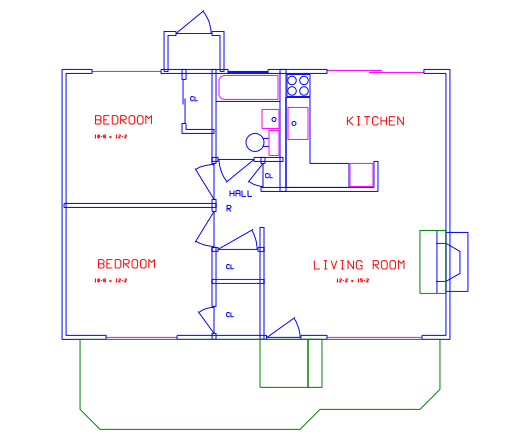
My house floorplan exported as an svg file.
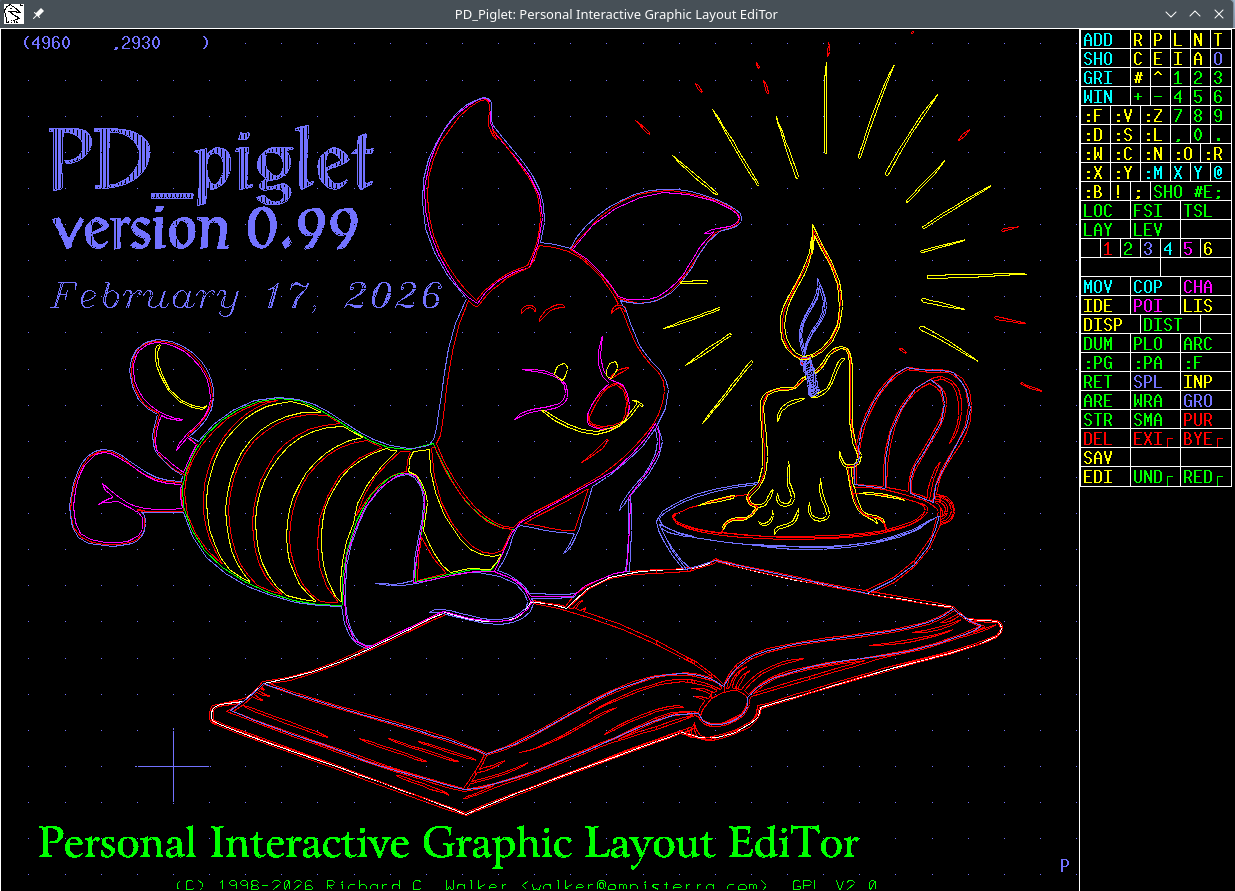
As of 11/10/04 Piglet has a working menu! This gif was captured with xv(1) so as to capture the menu and the window borders. The menu is defined in a simple text file which is read in at start-up. The menu facility makes it possible to do almost all routine editing solely with the mouse. The main exception is typing the name of library cells. However, if you have a small number of library cells, they can easily be added to the menu too.
Here are Piglet's default fonts. The definitions are in a simple stroke format and are easy to modify.

Here are two layout plots of a thin-film hybrid for
a 2.488Gb/s clock recovery chip. The first plot
has all layers enabled, while the second suppresses
construction layers using the "SHO -E
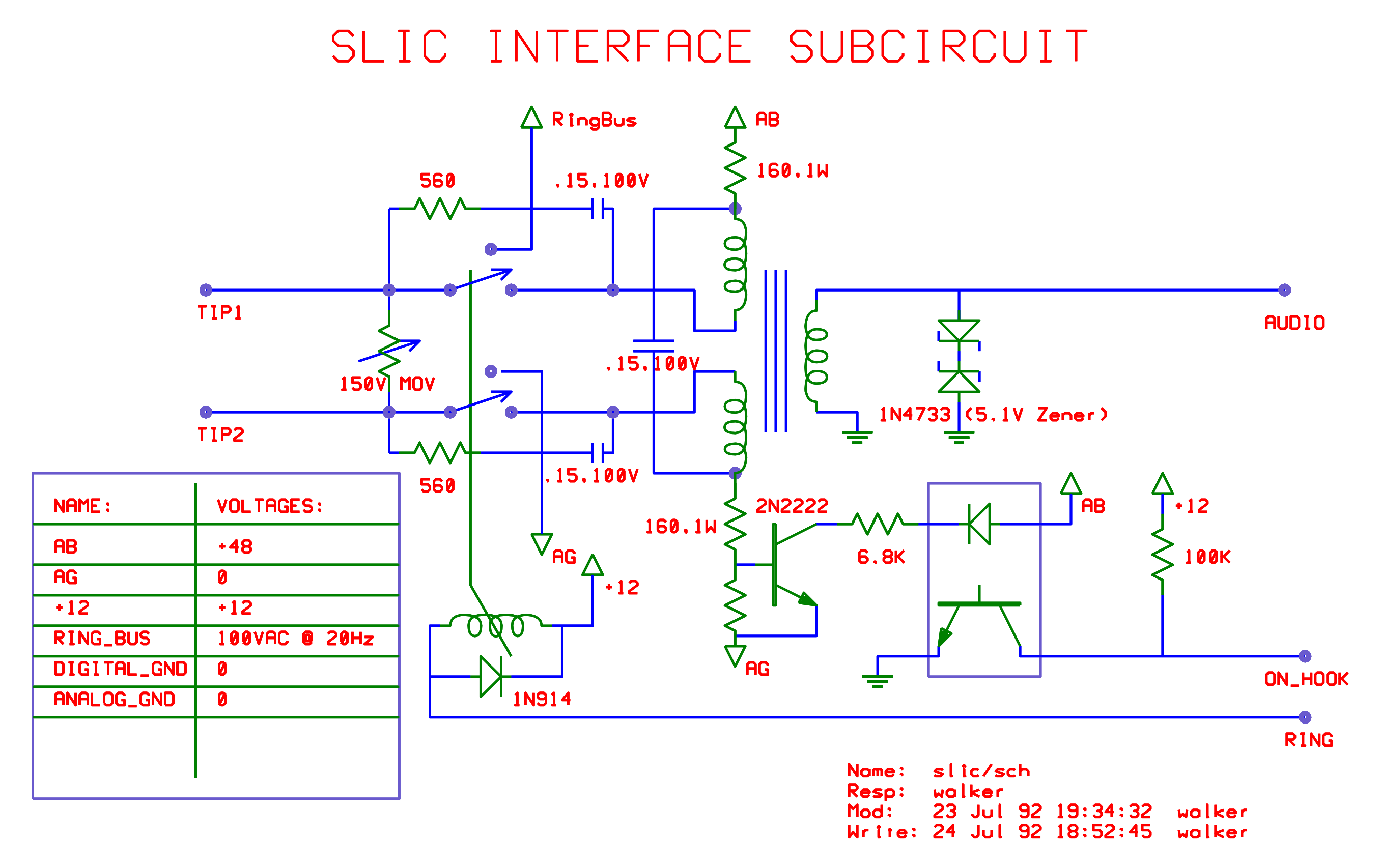
This is a schematic for a telephone line interface.
This is a pcb layout for 3-panels of a simple Z80 controller board.
This is a drawing of a 10GHz prototyping fixture. Each layer was
originally drawn flat and then sheared by working on the Piglet
archive file with an awk(1) script. The hyperbolic transmission
lines were computed using another awk(1) script and are designed
to have precisely equal delay characteristics to each pin of the
package.
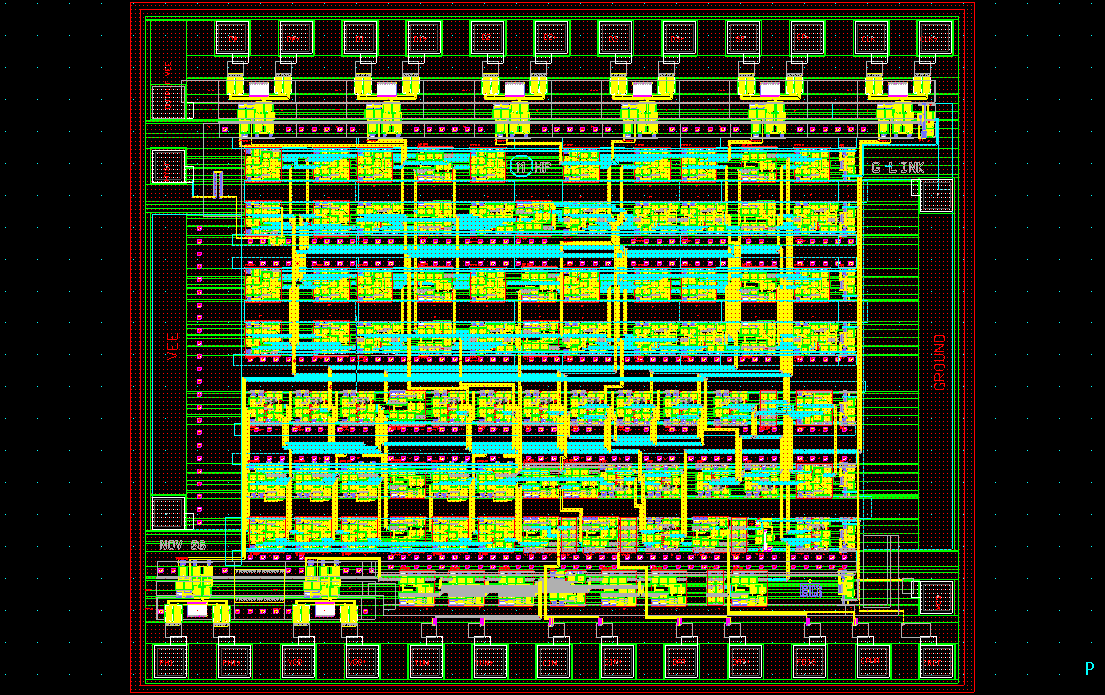
A schematic of a 1GHz retiming PLL circuit.
... and a layout of the chip that implemented the above
circuit.
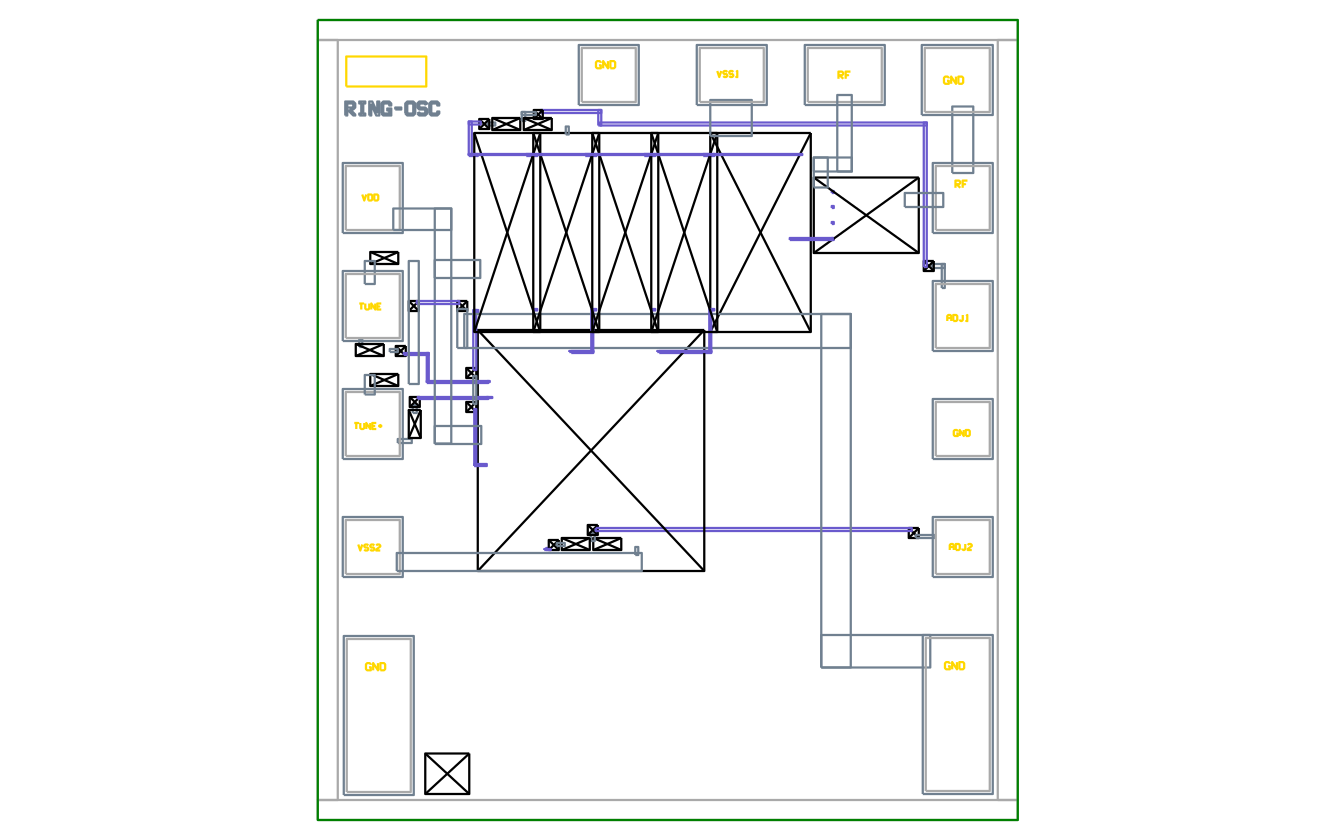
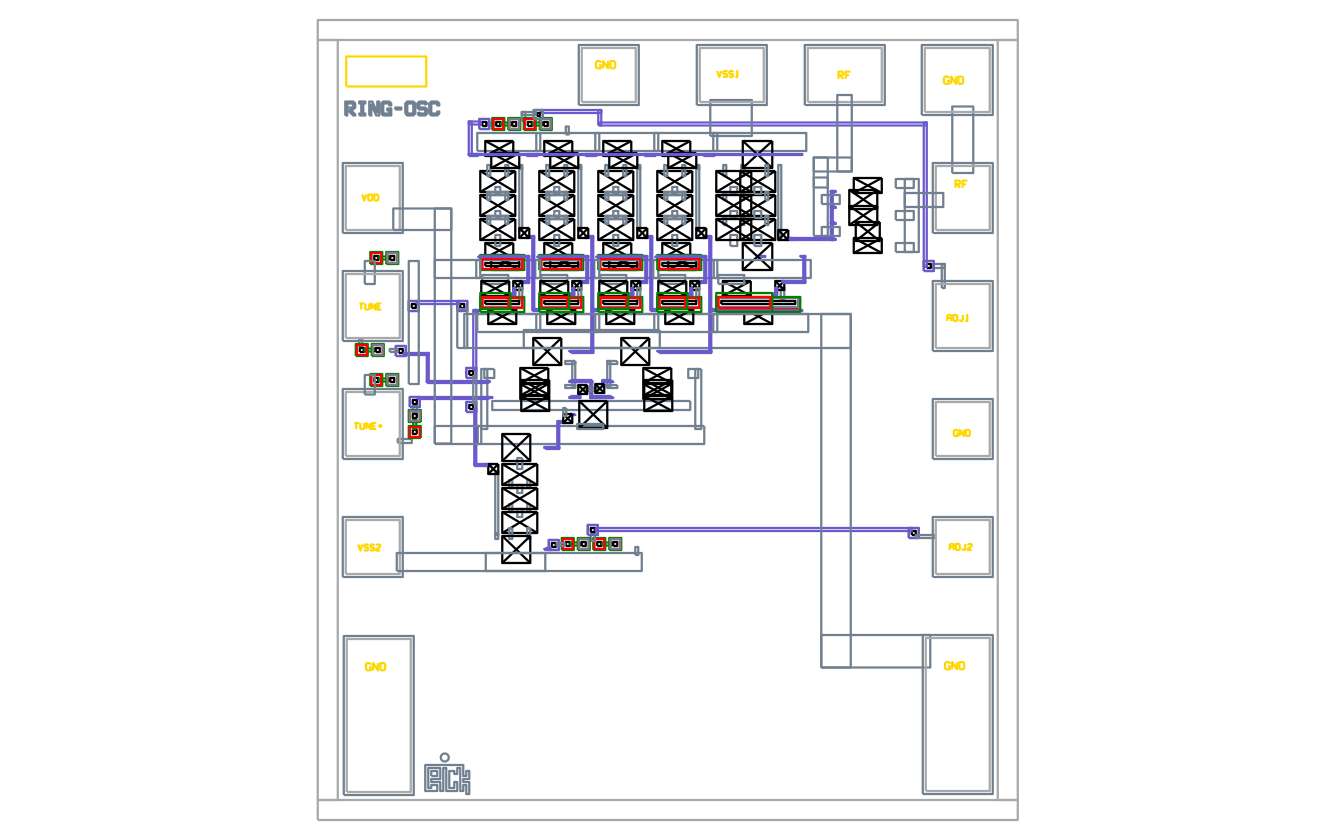
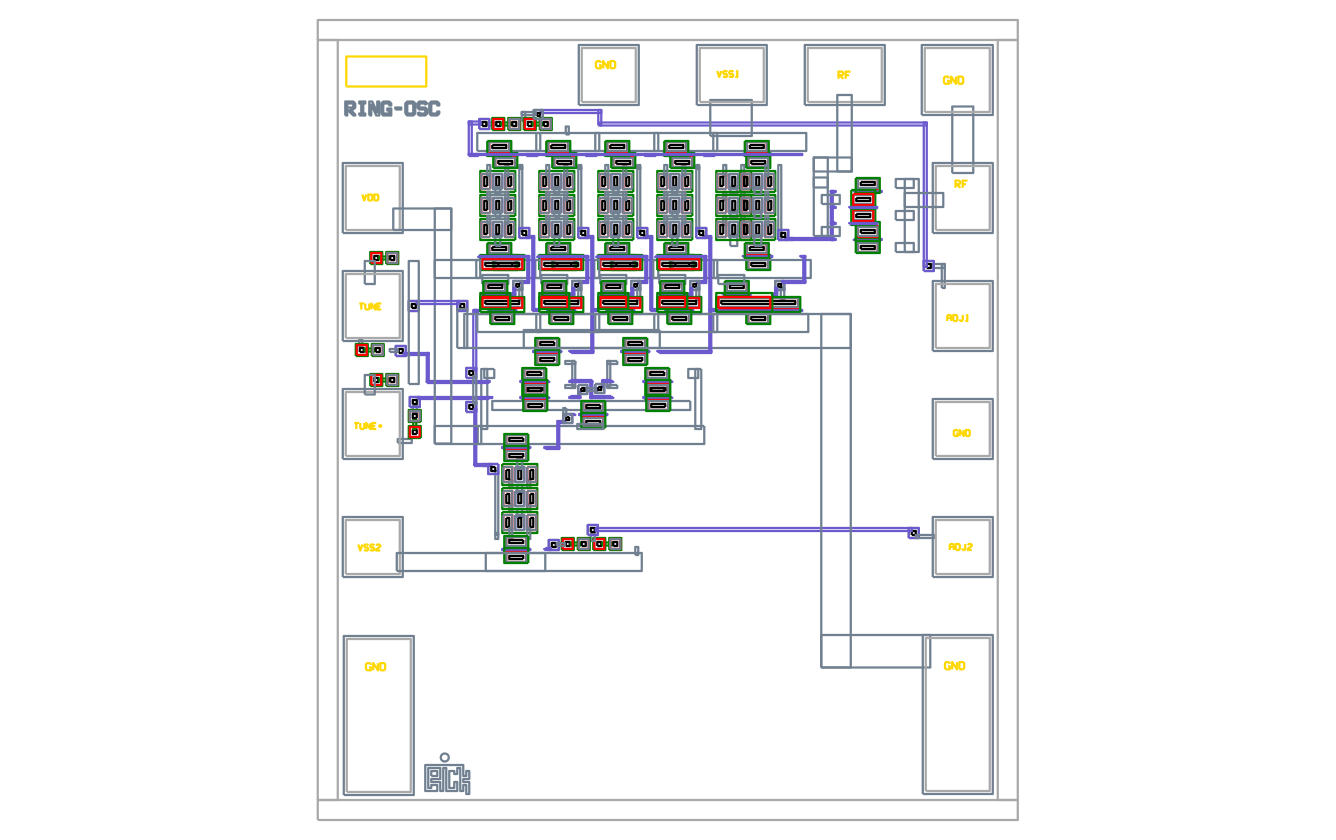
Here's a layout of a GaAs Ring Oscillator. The
next three pictures show the use of hierarchy in Piglet.
This first picture is drawn with "WIN :n0" or a nesting
level of zero. All sub-cells are drawn as boxes. The
only actual geometries at this level are some blue wires
connecting modules together.
This is at nesting level 1:
This is at nesting level 9:
And finally at nesting level 3:





Rick Walker (rick_walker AT omnisterra DOT com)